I turned two years of Claude chats into a second brain
What do you do with two years of thinking out loud to Claude? Make it a brain that every AI you use can read.
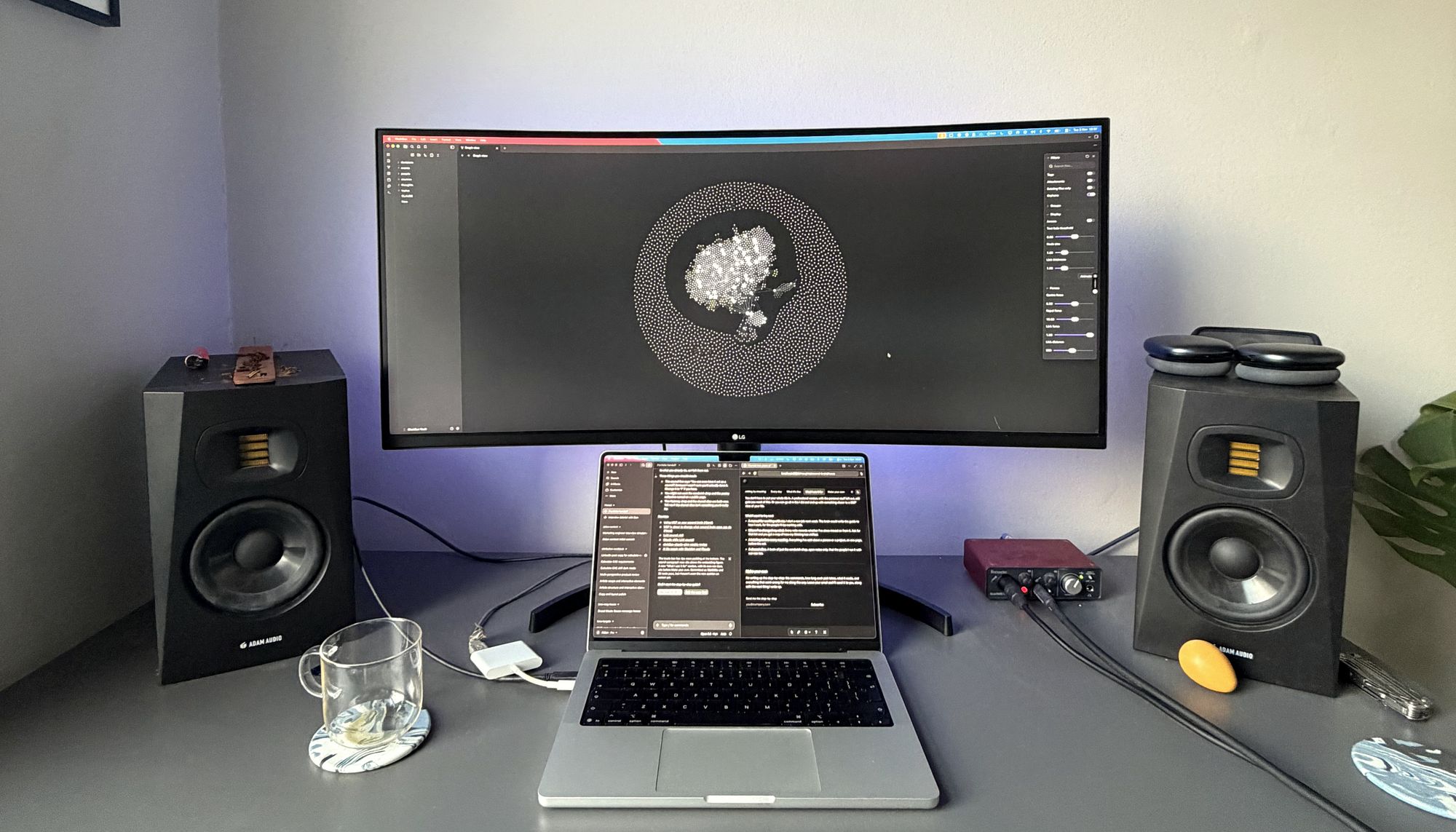
My chats were already a diary
Since 2024 I've talked to Claude about most things. Work, obviously. Also music, where to live, whether to take a job, what to do with my life. I dictate, so most of it is me thinking out loud.
When I finally opened the export, there it was: 2,384 chats and 1,026,311 of my own words. Two years of how I think about things and how I approach them. You can see my life in the shape of it: a quiet stretch while I was travelling for three months, a spike when I went out on my own.
If you use AI a lot, you've probably got one too. It's a far richer record of how you think than anything you'd sit down and write about yourself, and I don't think people realise how much is in there. You can make a brain from yours too, and I'll send you how.
Turning chats into notes
Every Sunday I export my chats from Claude and run a pass that pulls the new thinking in. One note per chat goes into an Obsidian vault as the raw archive. I've added work material too, 51 documents from Notion, Google Drive and the web, so it's useful for work as well as for me.
Then Claude reads the chats and writes the notes. The rules matter more than anything else here: only my words become my thoughts (I paste Claude's replies back in all the time), quotes are exact, and every thought is dated to the day I said it. 351 chats ended up feeding 629 notes.
Keeping every level of detail
The decision that shaped everything was how much detail to keep. Too little and it's a summary of me. Too much and it's the export again. So it keeps every level, and each one links to the next: a line, a page per topic, a note per thought, and the words I actually used.
Everything about one topic, Building, at four levels. An agent reads the top first and only goes deeper when it needs to.
At the top there's a page called Now, rewritten every week, which says where I am today. It outranks everything older, so nothing from two years ago gets read as current.
Linking every note to its topics and people
Every note gets a few labels: what kind of note it is, when I said it, how firmly I held it, whether I've since moved on, and who's allowed to read it. Then it links to the topics and people it's about.
That's a knowledge graph, and it's why this works. A folder of notes only tells you where something was filed. Links tell you what it relates to, so any note is a step away from its topic, and a topic is a step away from everything I've said about it. You can ask about anything and come in from anywhere.
Searching by meaning, not just words
Search works two ways. One matches words. The other matches meaning, and it's the bit worth understanding, because it's how most AI search works now.
A small model reads each note and turns it into a list of 1,024 numbers, called an embedding. You can think of them as coordinates, except instead of two directions (left, up) there are 1,024, each standing for some shade of meaning the model has learned. Notes that mean similar things end up with similar numbers, so they sit close together. Compare two notes and you get a score: the higher, the closer in meaning.
The embedding model turns every piece of text into a list of numbers. The model decides what the numbers stand for and how many there are: the one I use, mxbai-embed-large, gives 1,024. Compare two lists and you get a score: the closer to 1, the more alike. Notes 1 and 2 are about writing; note 3 is about music.
A search gets the same treatment. Your question becomes 1,024 numbers, and the brain hands back whichever notes sit closest, even if they share no words with it. The model runs on my laptop with Ollama. It's free, and nothing leaves my machine, which matters when the thing being searched is my life.
Each note has 1,024 numbers, far too many to draw. This map flattens them onto a page while keeping similar notes near each other. Pick a search to see what it finds.
Seeing how your thoughts cluster is interesting in itself. It also means I can put anything in, recipes included, and it never gets in the way: if it isn't close to the question, it doesn't come back.
Every AI I use can look me up
The brain is connected to Claude as a tool (an MCP server), so in the middle of everyday tasks it can look me up. I give far less context, especially on things that have built up over months, and the answers are better. It feels like taking something off my mind.
It isn't tied to one assistant. I use Claude Code and Codex, and they both read the same brain. Plenty of people use tools that switch between models; this works with any of them. And it's mine. I've always found the built-in memory a bit irritating: it gets things wrong, it's slow to update, and I can't see what it thinks. This is a folder of markdown files I can open, edit and delete.
I tested it on everything, from writing posts with my content machine to spotting patterns in my life I hadn't noticed. Here's one.
Everything goes in, private stuff included. A label decides who can read it. Of the 629 notes, 120 are marked private, and anything that writes in public, like my content machine, connects in a mode that can't see them, whatever it asks for.
What it's like to be written down
It's incredibly personal, and it's a bit strange to have your thinking written down in one place like this. I think I'm a little bit crazy for doing it. But the discomfort doesn't mean much. I'd be the same person if it weren't written down.
Building it made me reflect on how I think. And having it all mapped out frees up some RAM in my head. I know it's there and I trust it, so I don't have to hold on to all of it myself.
Context, writing and side projects
Two things, mostly. The first is context. Every agent I run can look me up, so I don't explain myself at the start of every chat and it doesn't have to guess.
The second is writing. I've built a content system, a command-line tool that turns interviews and transcripts into LinkedIn posts. I'm staying vague about it on purpose, because I'll write up how it works in the next month or two. The short version: its agent can search the brain for stories worth telling, check facts against what I actually said, and come up with ideas that are mine, not everyone's.
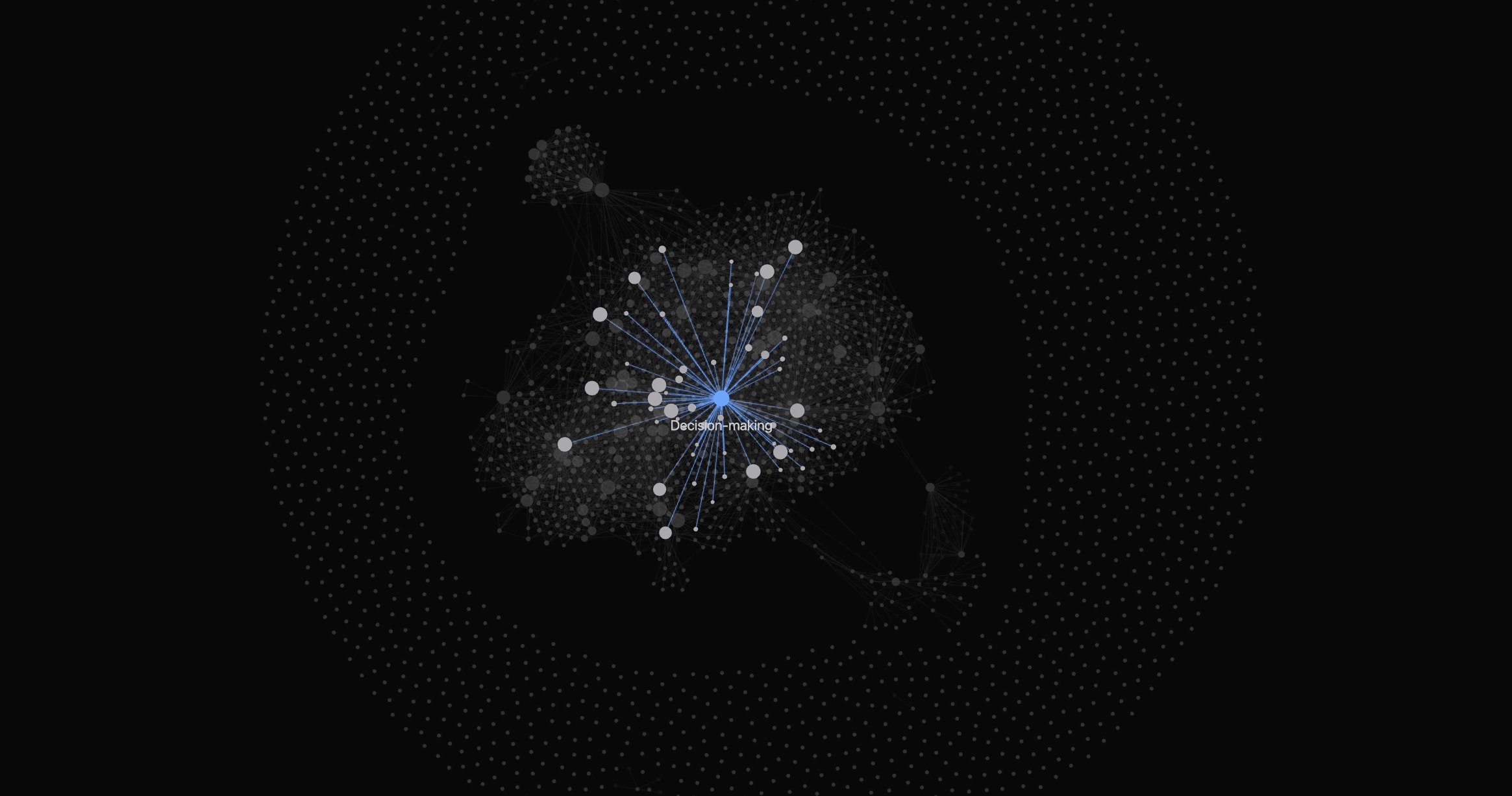
It gets more useful the more of your work you put in. I'm part of a poetry collective, and I part-own a sandwich shop in Hackney with some friends. Everything about both lives in the brain: what's going on, what's been decided, what I need to do. A lot of what I do for them is the kind of work that Claude excels at with proper direction. So when I'm out, I can run Claude from my phone, and it knows enough to get on with a lot of it without me.
It's also good for big decisions. It lays my own reasoning back out, including what I thought last time and how that went, and it's good at spotting the patterns that might be holding me back. You can even have it act as a council, a few advisors each arguing from what they know about you.
You don't have to put your whole life in. A professional version, with the personal stuff left out, still gets you most of this. Or you can go all in like I did and end up with something closer to a 360° view of your life.
Build one from your own chats
I've put together a guide and a Claude skill for building your own second brain, with everything I used to build mine:
- The setup. What you need to get it running, which is mostly Obsidian.
- The skill. It walks you through the build with the prompts I used, and stops to check with you at the points that matter.
- How it works. Each part explained, from the export to the index, including how the embedding runs on your own machine with Ollama.
I'll also email you now and then, when I've written something new or have something worth sharing.